 Zinn® SEO
The Search appearance screen
How your pages look in search results: title and description templates for every kind of page, what search engines may index and show, and your site verification codes.
Open Search appearance
In WordPress, open SEO in the menu, then Search appearance under Search appearance in the plugin's side menu. How your pages look in search results: title and description templates for every kind of page, what search engines may index and show, and your site verification codes.
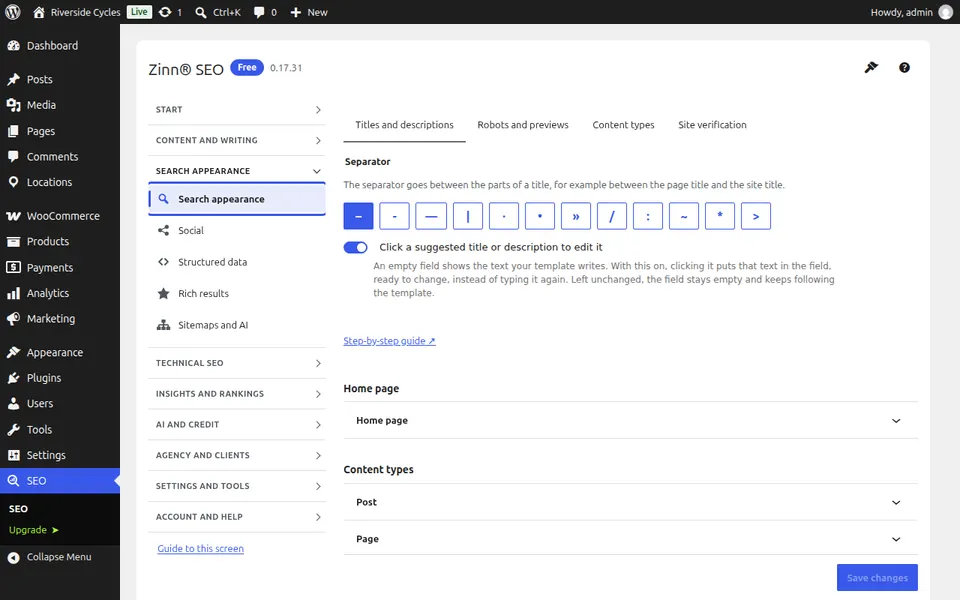
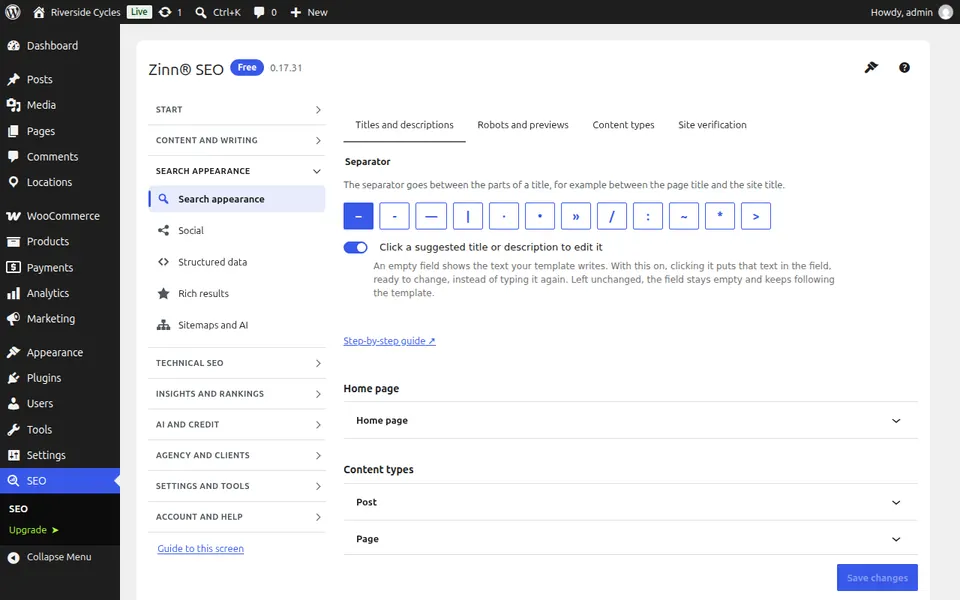
The Titles and descriptions tab
Open the Titles and descriptions tab. Title and description templates for every kind of page, with variables; each page can still override them.
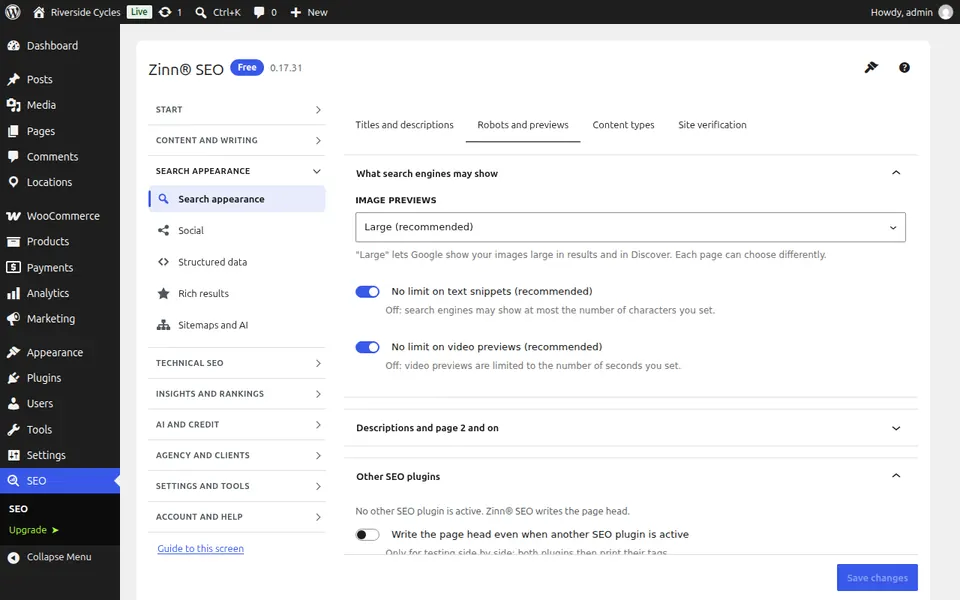
The Robots and previews tab
Open the Robots and previews tab. Which kinds of page search engines may index, and how much of a page they may show in results.
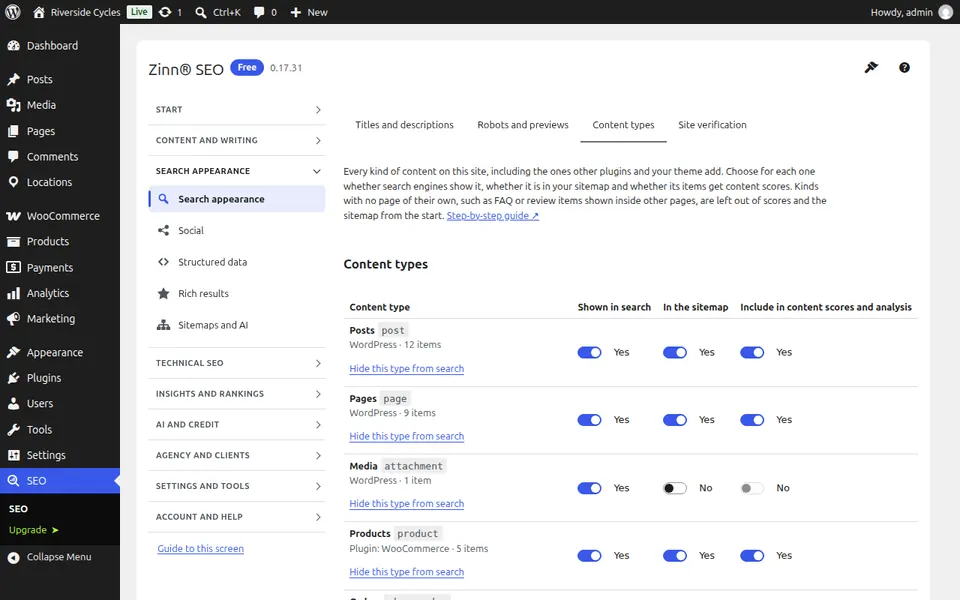
The Content types tab
Open the Content types tab. Every content type on the site, including those other plugins add, with switches for search, the sitemap and the content scores; hide a type from search with a preview and undo.
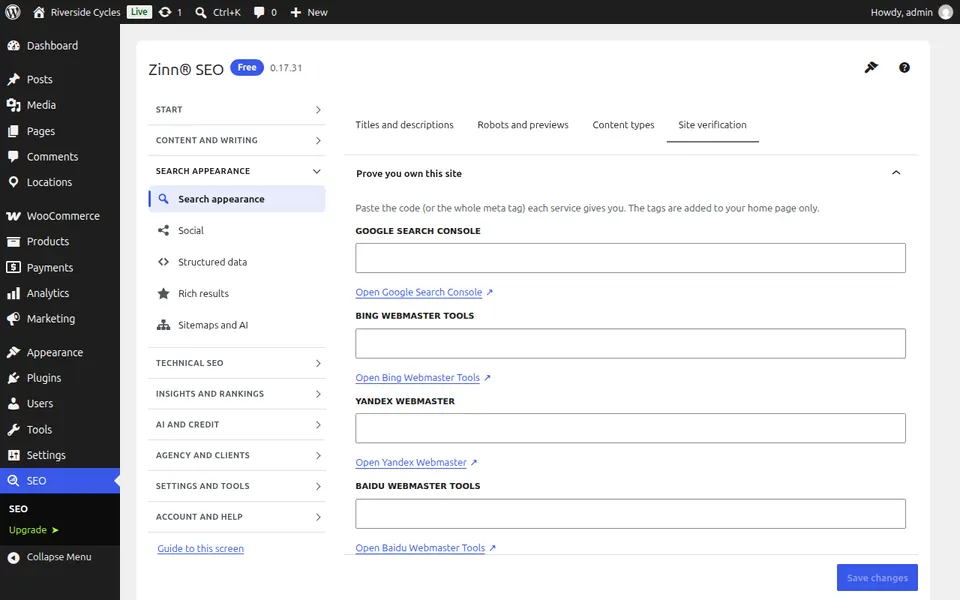
The Site verification tab
Open the Site verification tab. Paste the verification codes from Google, Bing, Yandex, Pinterest and others to prove the site is yours.
Step-by-step guides for this screen
Next guide: The Social screen
From the same team
Want fast hosting to go with it?
Zinn Digital® hosts WordPress on its own servers, with a CDN, DNS, TLS and daily backups included in every plan.