 Zinn® SEO
The Settings screen
Your site's details, search engine connections, footprint, data, which features are on, AI agents and the plugin version.
Open Settings
In WordPress, open SEO in the menu, then Settings under Settings and tools in the plugin's side menu. Your site's details, search engine connections, footprint, data, which features are on, AI agents and the plugin version.
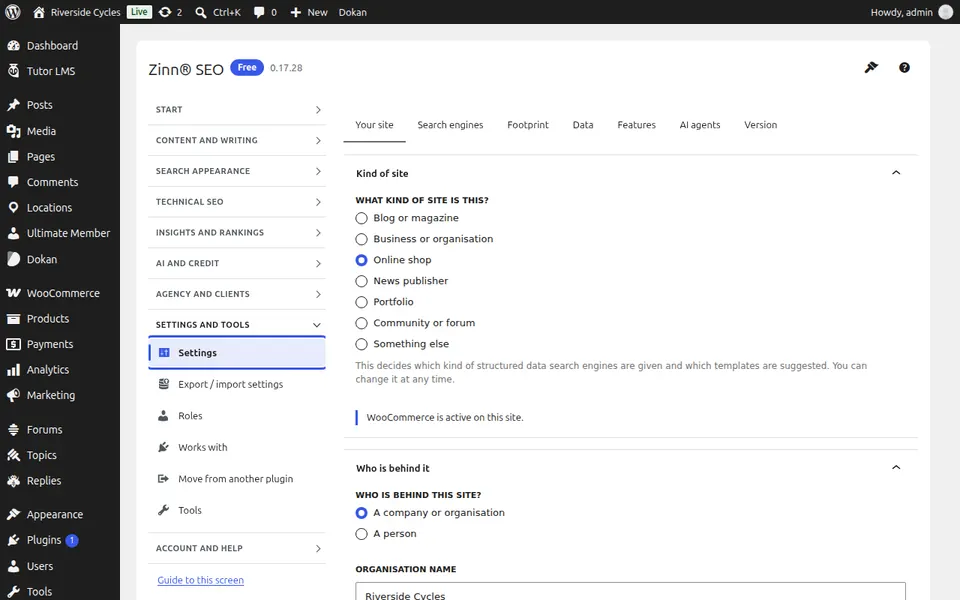
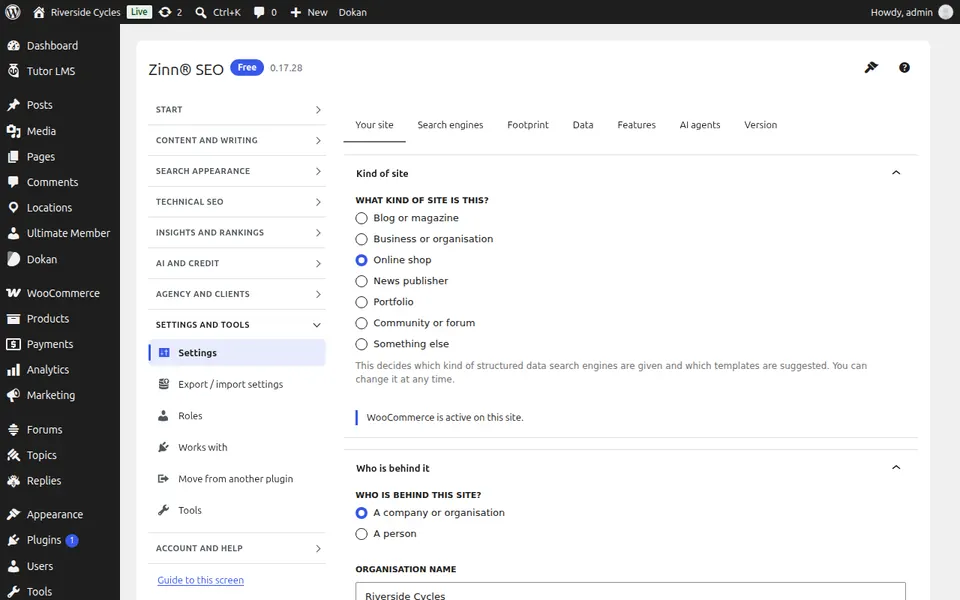
The Your site tab
Open the Your site tab. Your site's details: what kind of site it is, its name and who runs it.
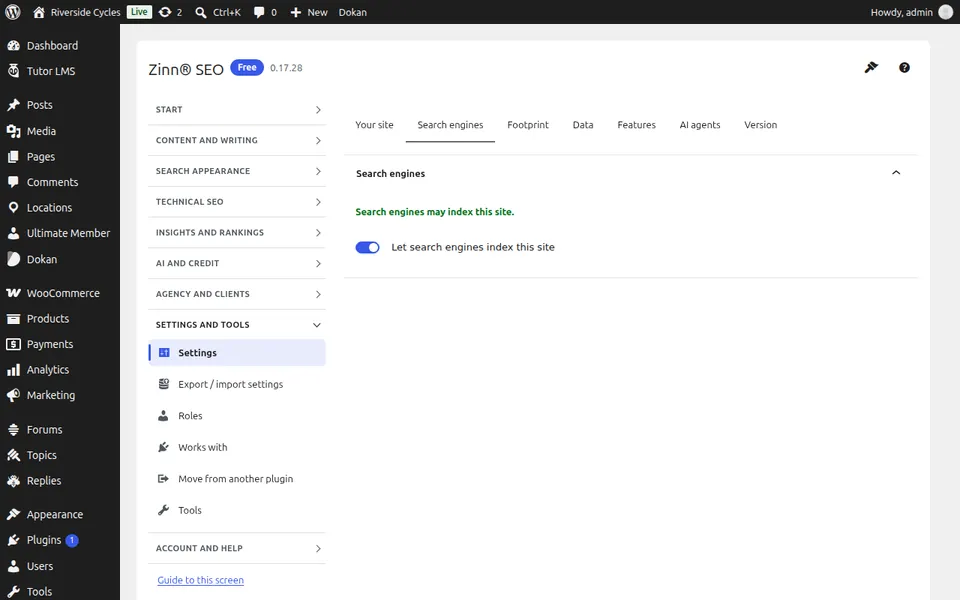
The Search engines tab
Open the Search engines tab. Connect search engines and other services the plugin uses.
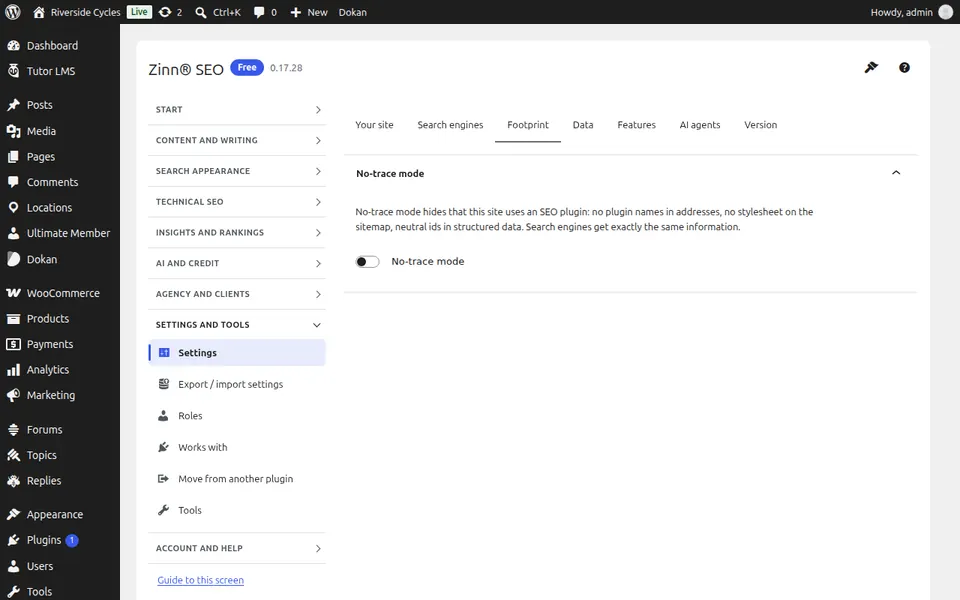
The Footprint tab
Open the Footprint tab. Footprint-free mode: nothing in your pages names or fingerprints the plugin.
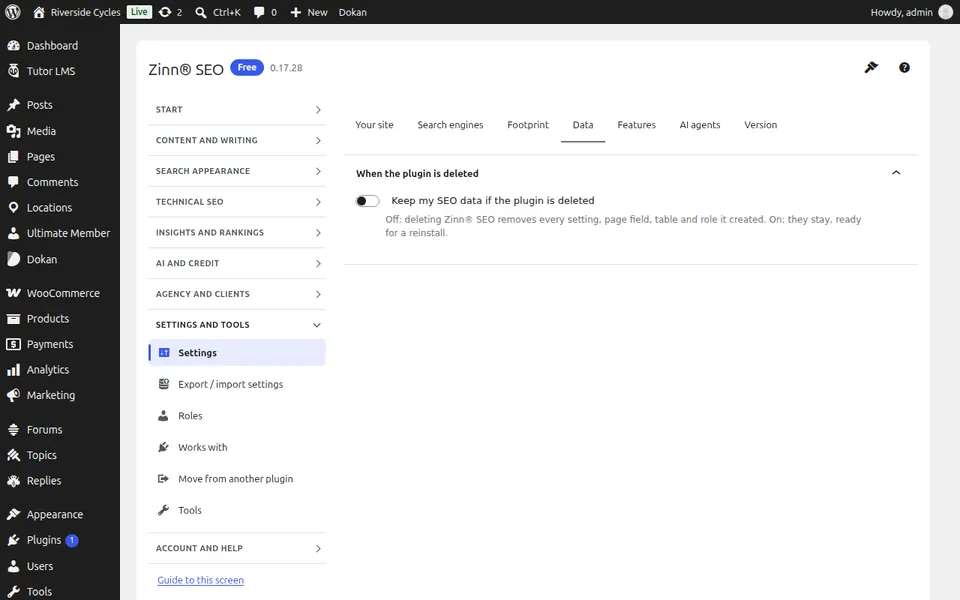
The Data tab
Open the Data tab. Keep or remove your SEO data when the plugin is deleted, and other data choices.
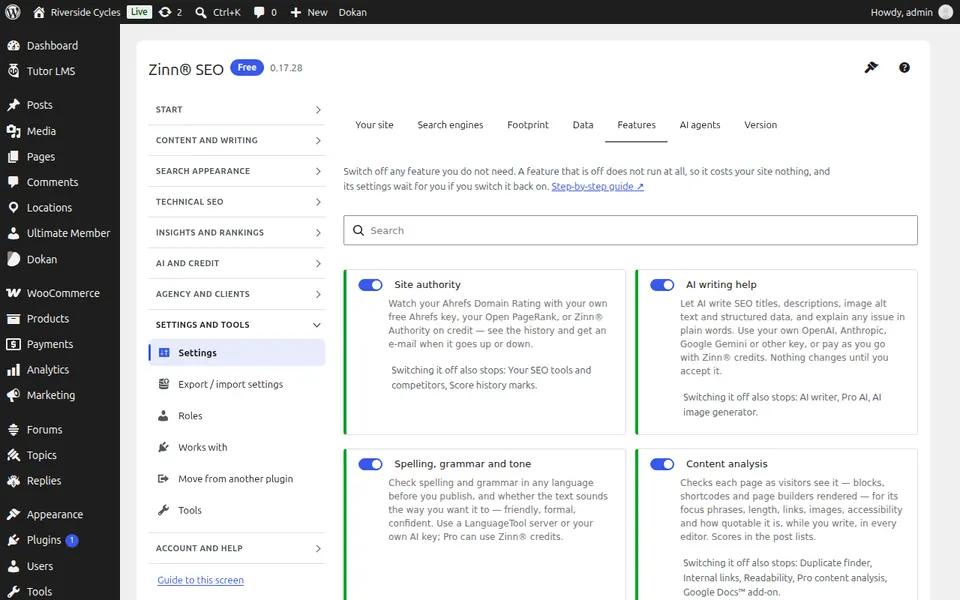
The Features tab
Open the Features tab. Every part of the plugin listed with what it does; switch off the features you do not use.
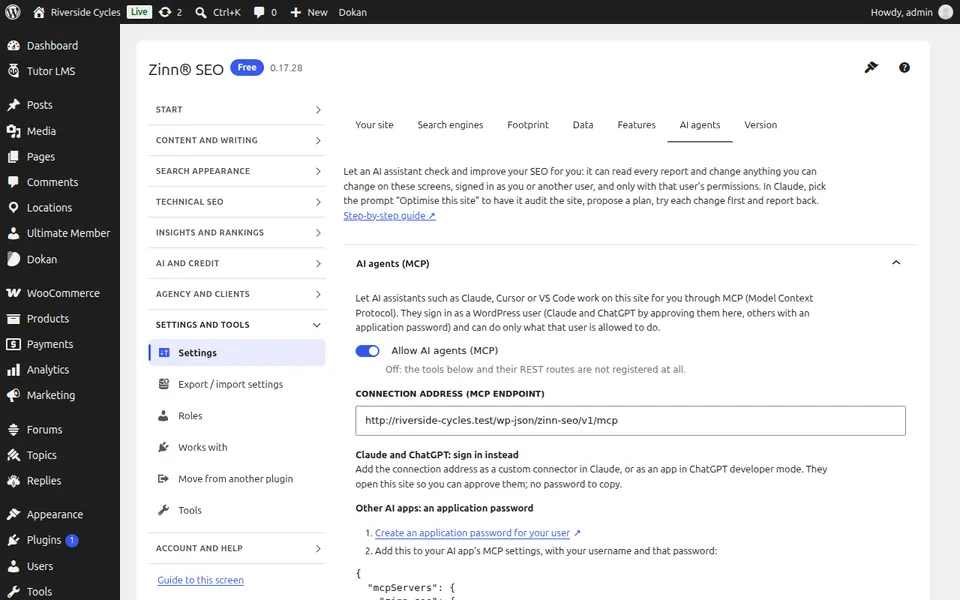
The AI agents tab
Open the AI agents tab. Let AI agents such as Claude or ChatGPT read and improve your SEO: allow them, choose whether their changes wait for your approval, and see what they did.
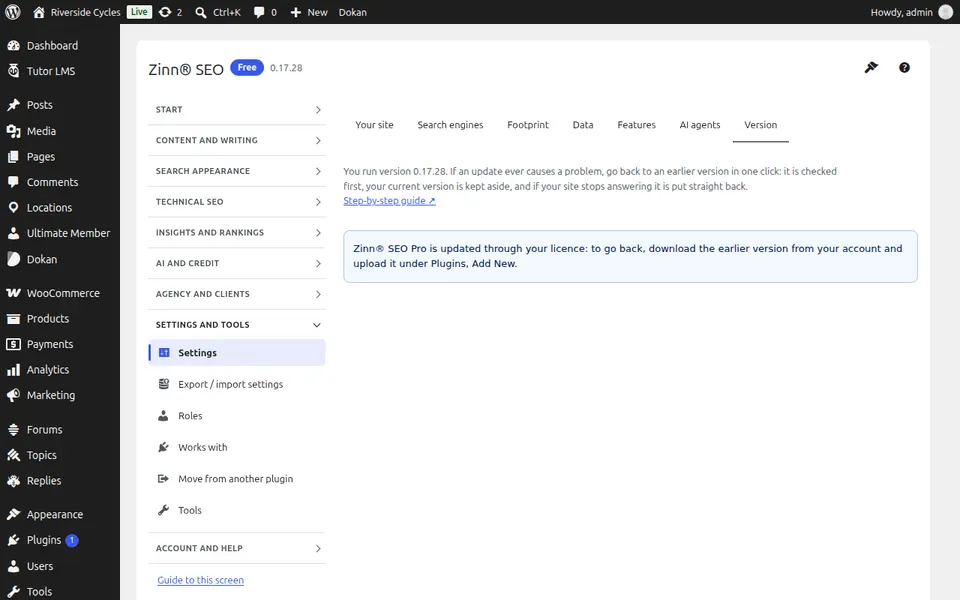
The Version tab
Open the Version tab. Go back to an earlier version of the plugin in one click if an update ever causes a problem.
Step-by-step guides for this screen
Next guide: The Export / import settings screen
From the same team
Want fast hosting to go with it?
Zinn Digital® hosts WordPress on its own servers, with a CDN, DNS, TLS and daily backups included in every plan.